

Granting Access to Google Search Console
Google Search Console is a free service offered by Google that helps you monitor, maintain, and troubleshoot your site's presence in Google Search results.
Apr 23, 2024●
1
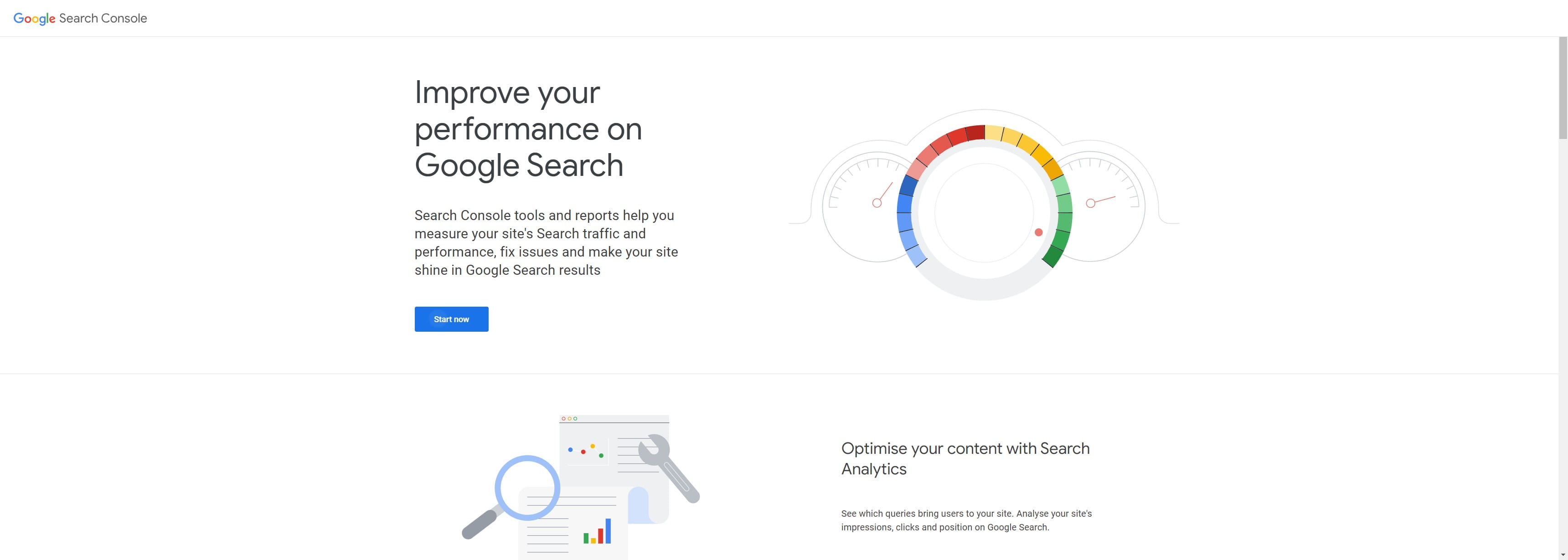
Navigate to https://search.google.com/search-console/about
2
Click on "Start now"

3
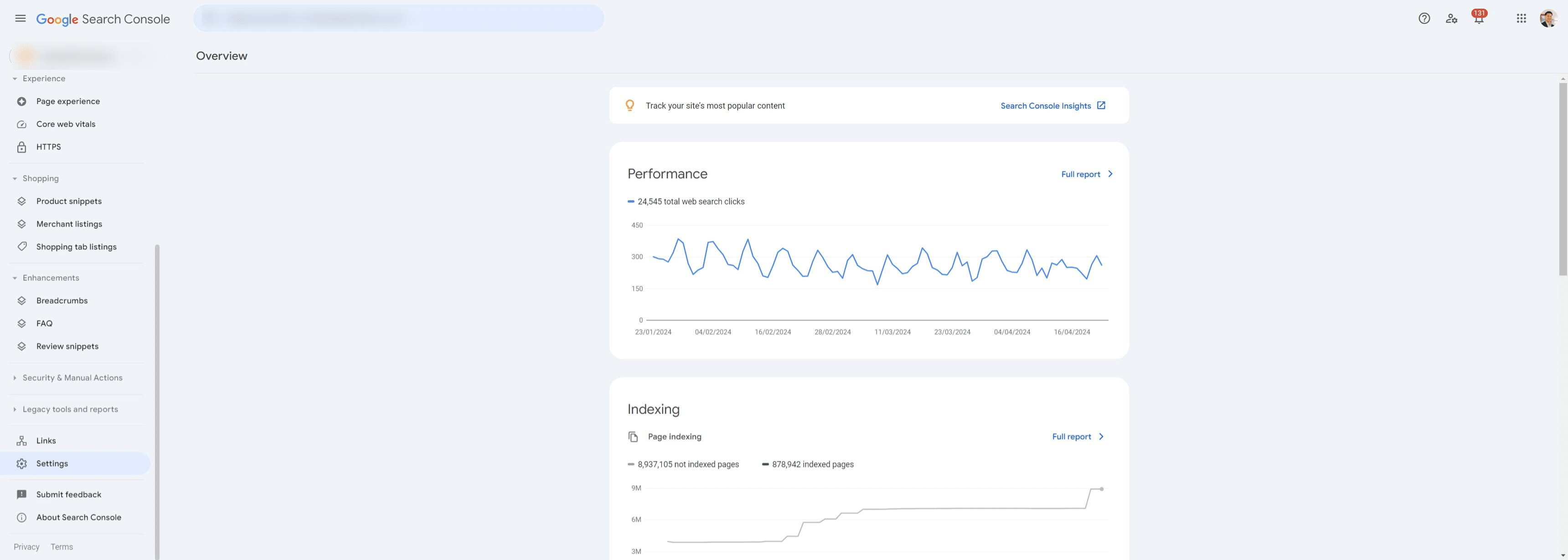
Click on "Settings" ⚙️
4
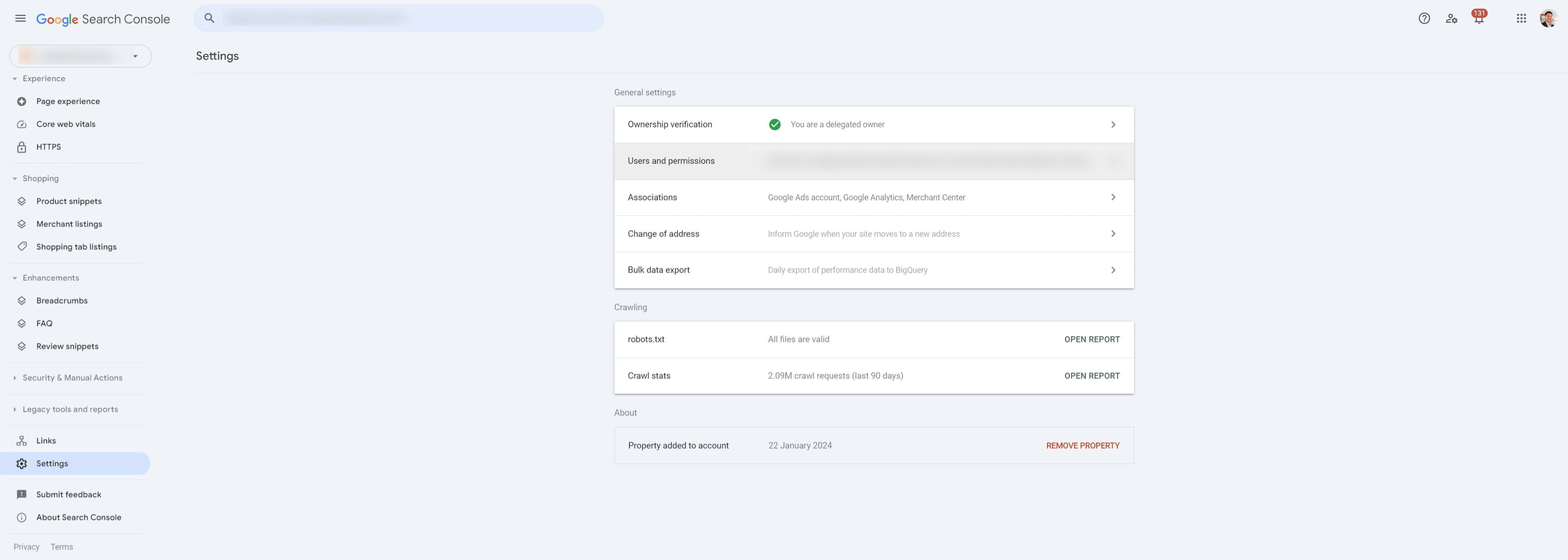
Click on "Users and permissions"
5
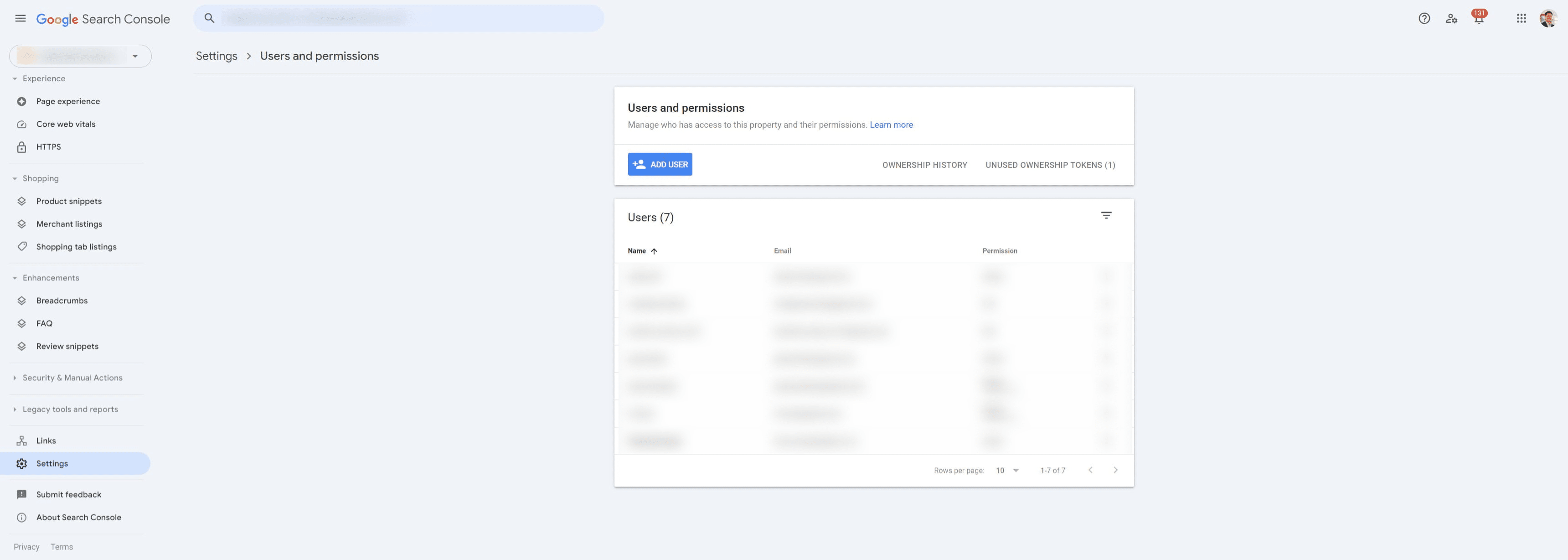
Click on "Add user"
6
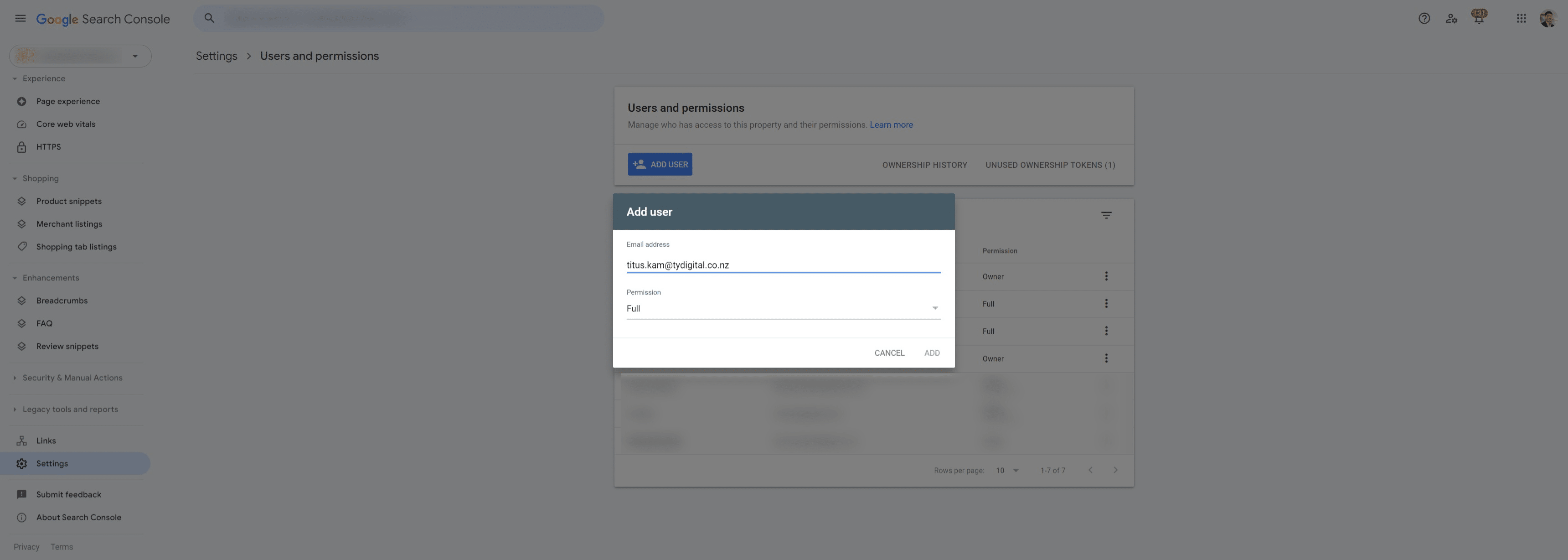
Enter email: titus.kam@tydigital.co.nz and click on "Permissions"
7
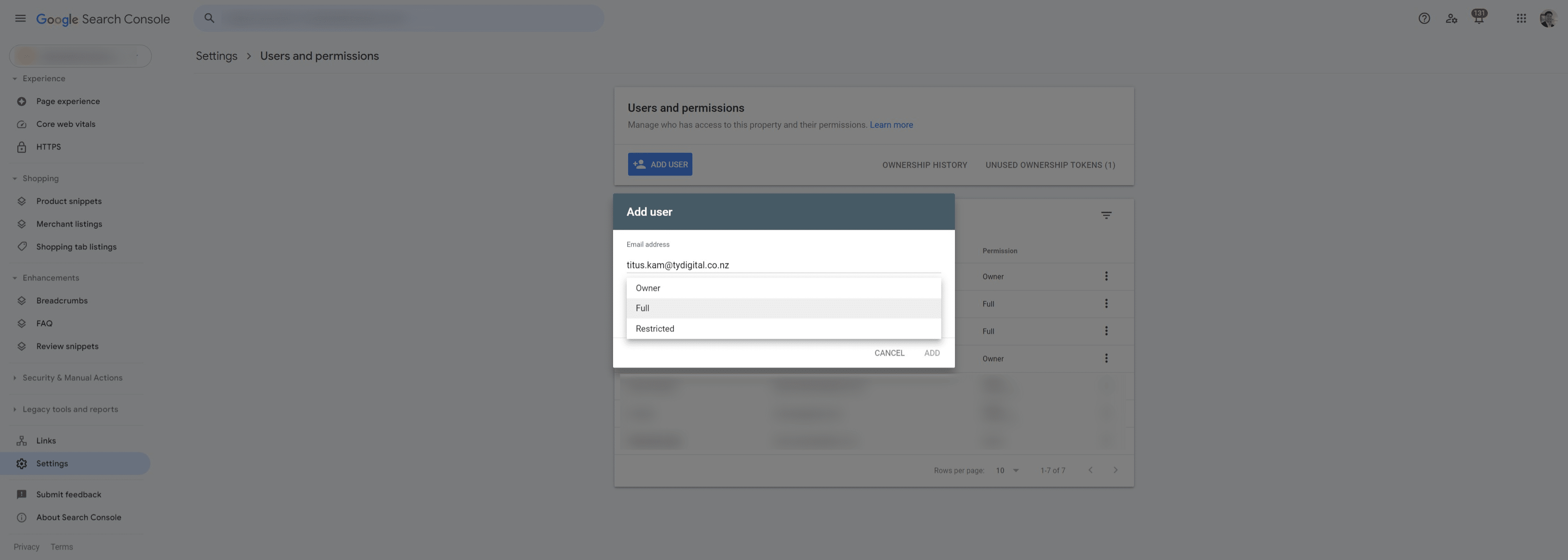
Grant titus.kam@tydigital.co.nz "Full" access to Google Search Console
8
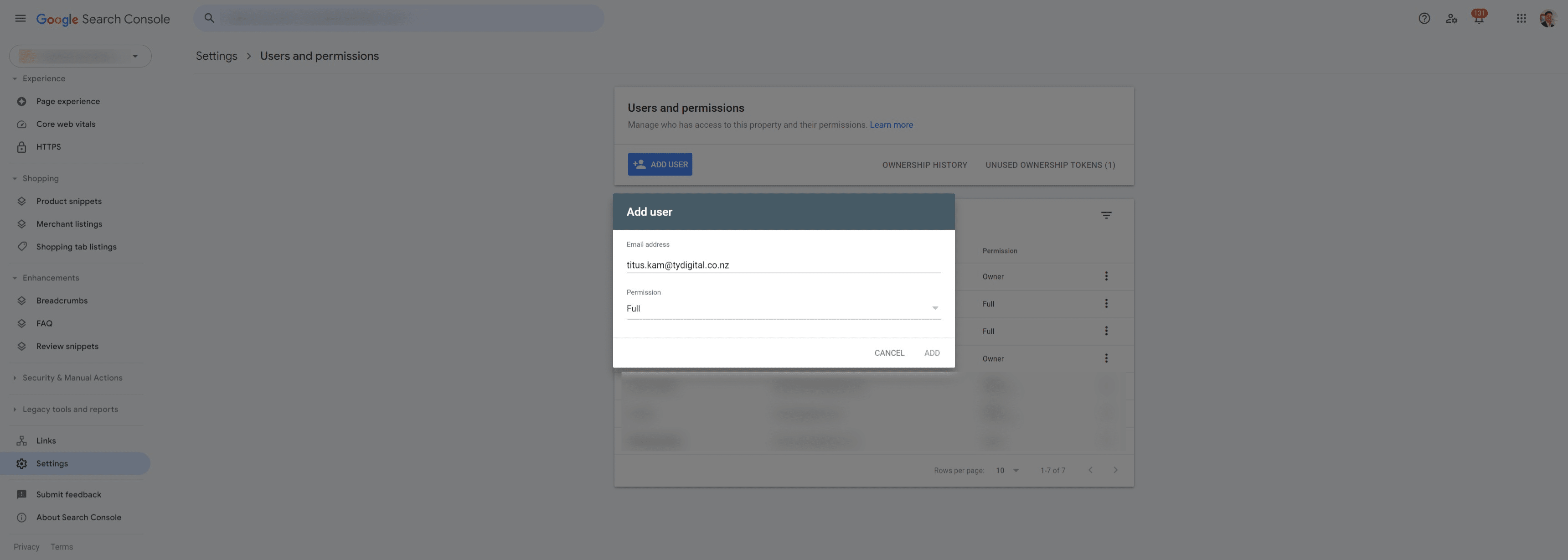
Click on "Add"
9
Done 🚀