
Granting Access to Google Business Profile (GBP)
Granting access to Google Business Profile is essential for managing and optimising your online presence directly within Google's search results and Google maps. This access is also required for running local ads on Google Adwords.
Apr 15, 2024●
1
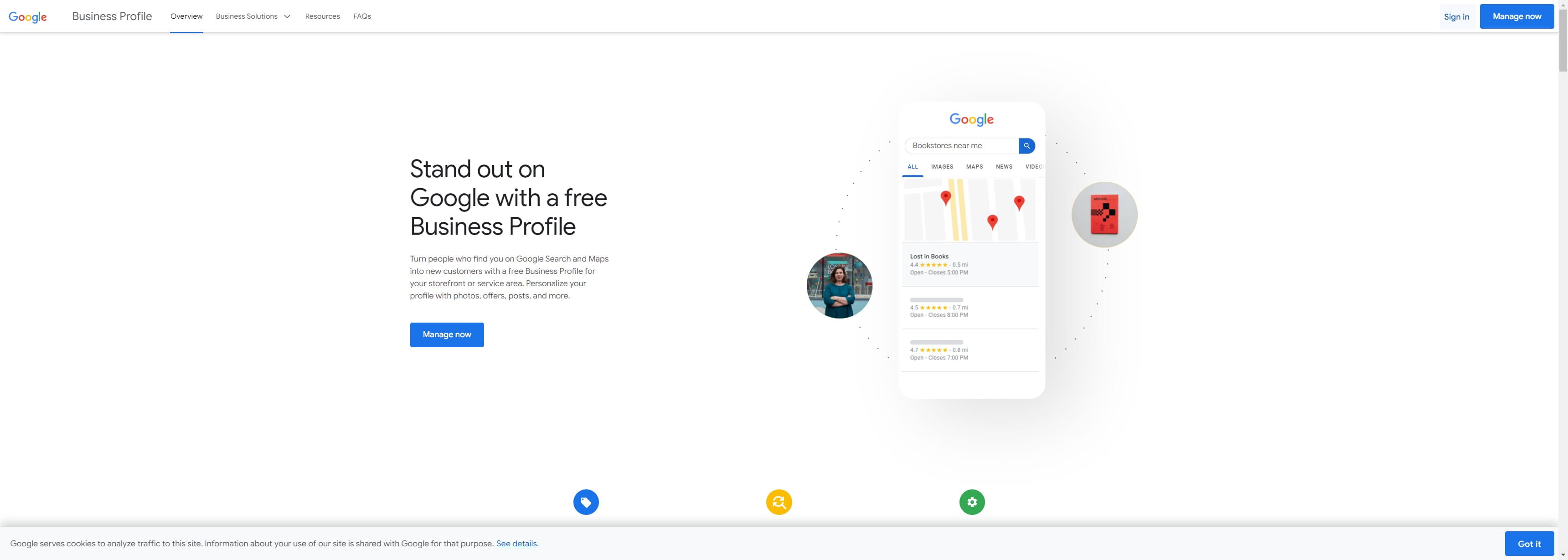
Navigate to https://www.google.com/business/
2
Click on "Sign in"

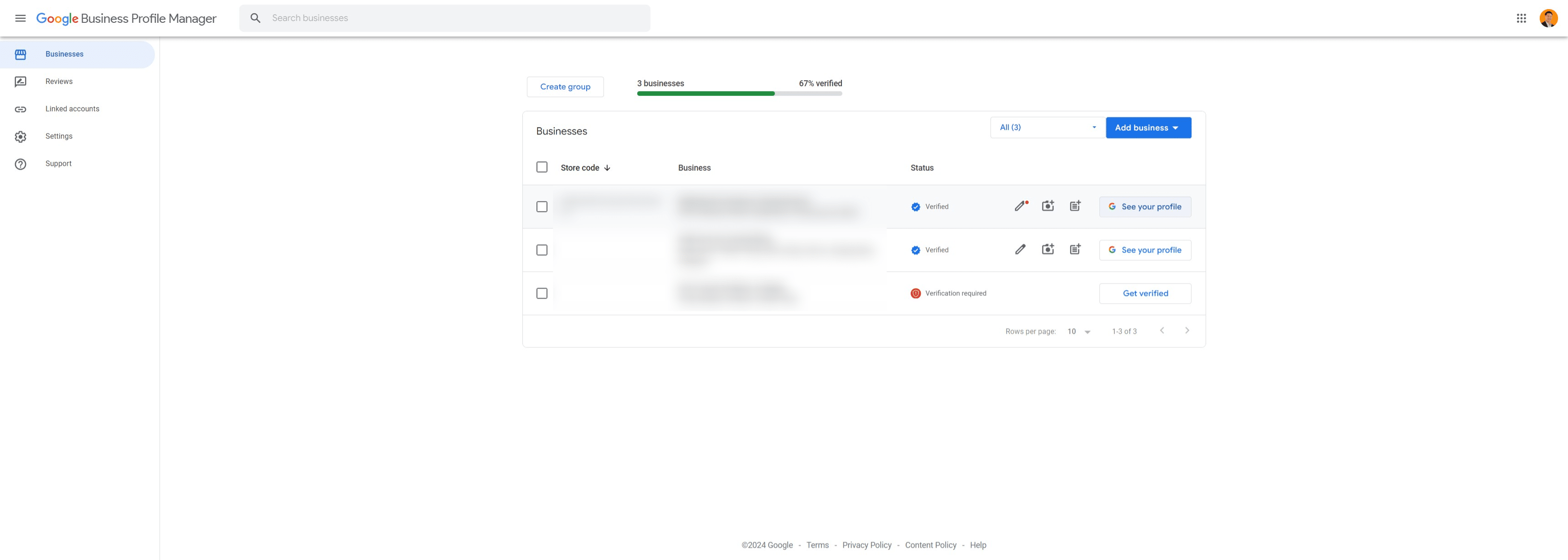
3
Click on your business profile
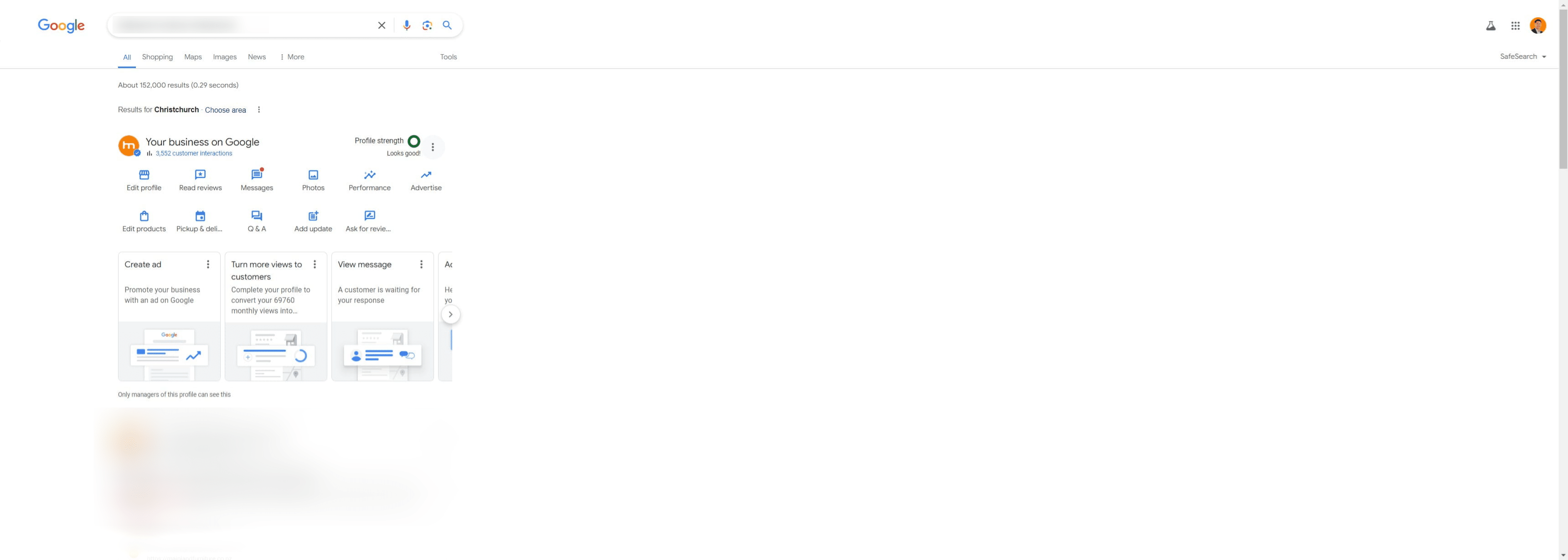
4
Click this icon
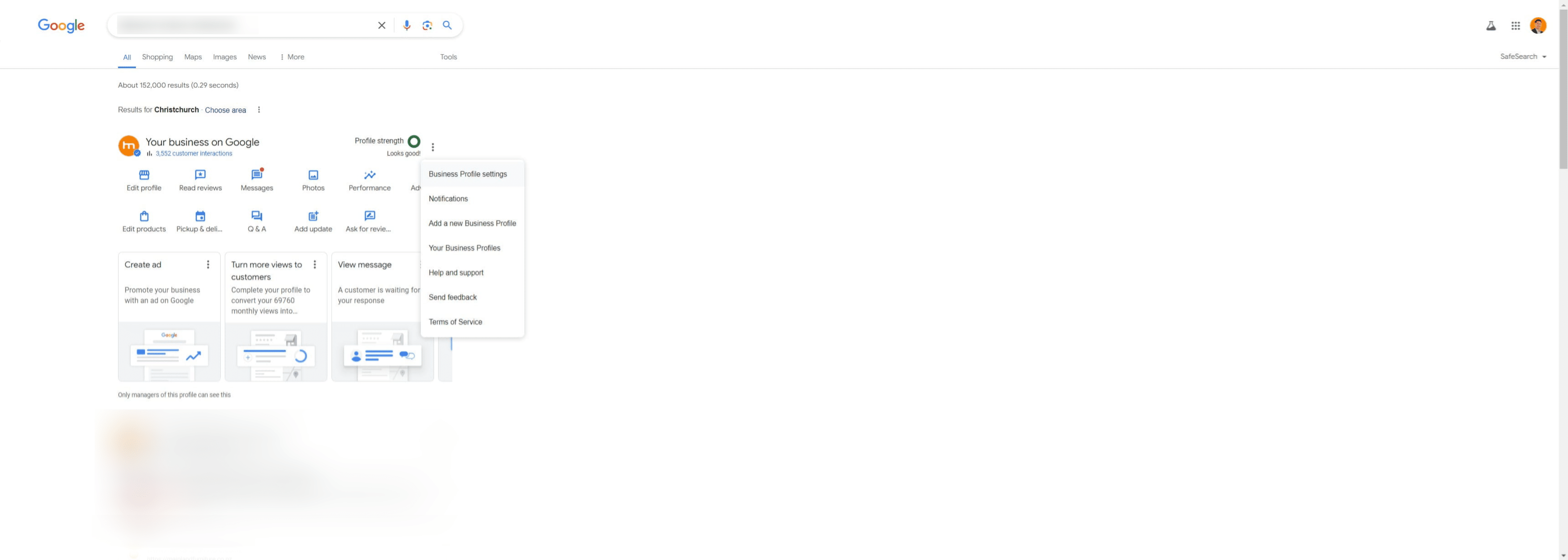
5
Click on "Business Profile settings"
6
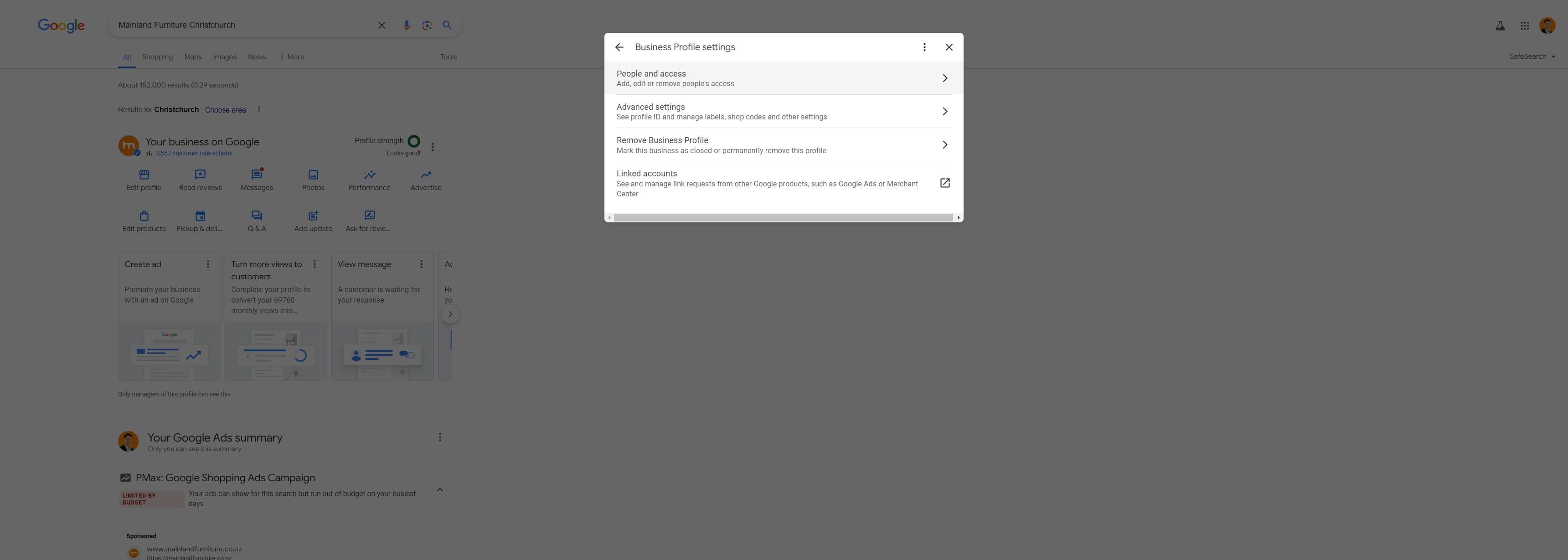
Click on "People and access"
7
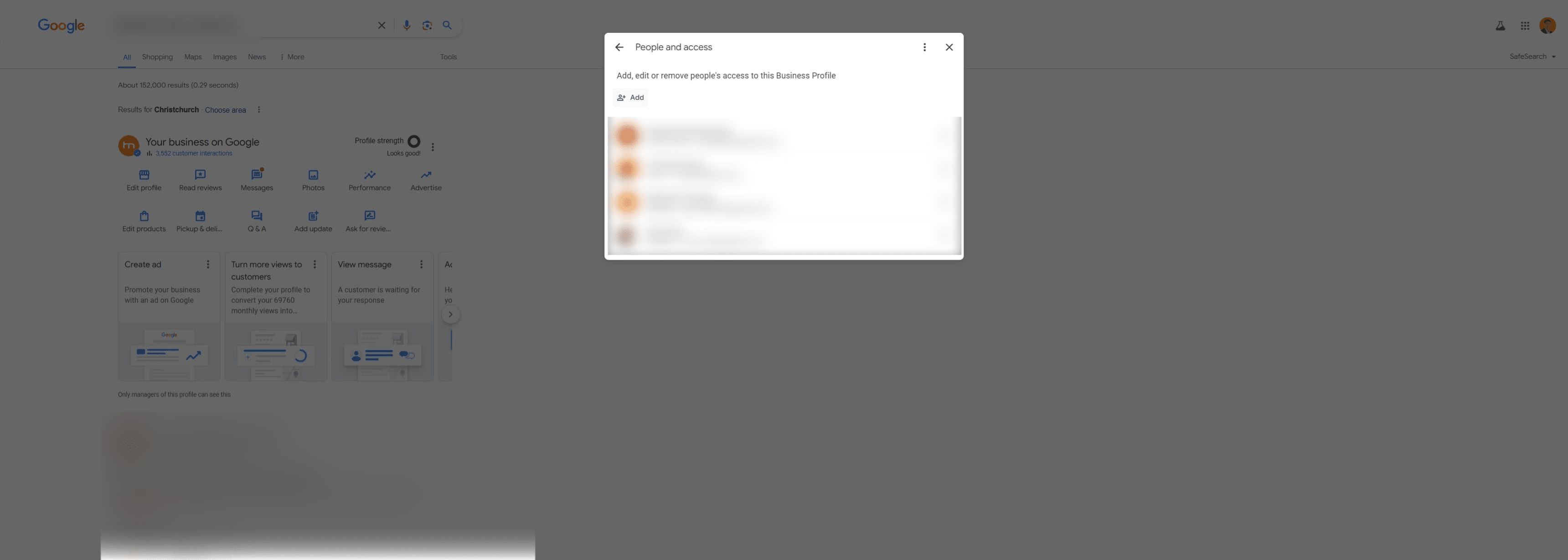
Click on "Add"
8
Invite titus.kam@tydigital.co.nz as a manager of this business profile
 as a manager of this business profile](https://assets.guidejar.com/uploads/0ccee6b3-ceff-47fb-840b-a6db8037f091/HHJ98SzsRqdSdgVtF855aPtSh3Y2/406aaca9-6956-42a2-9f6f-f4ed1b4f4dbb/1712363977427.jpeg)
9
Done 🚀